
Making Tax Digital For Income Tax
Free MTD ITSA bridging software
Use the ANNA MTD template to categorise your transactions and calculate your figures – then upload and submit your quarterly update directly to HMRC. No accountant required.
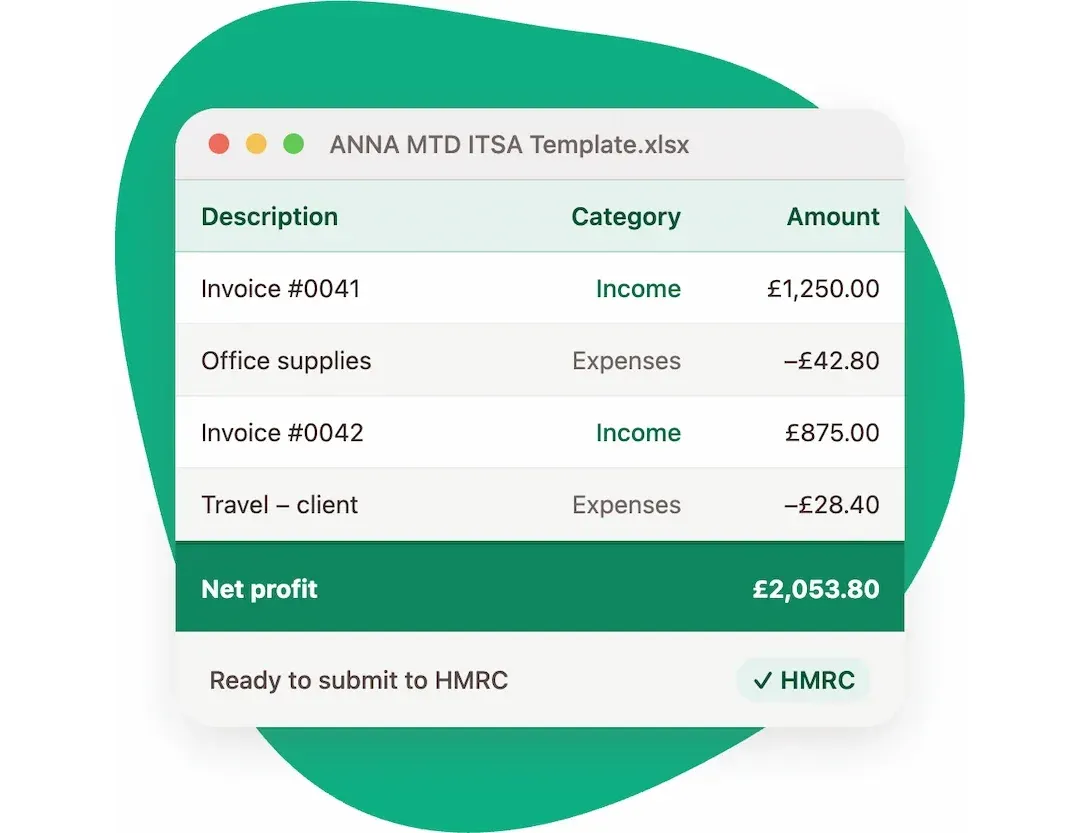
How to file your MTD Self Assessment with a spreadsheet
Download the ANNA MTD filing template
Get the free ANNA spreadsheet – it’s set up and ready for your transactions, with all the right categories built in.
Paste your transactions from your bank account CSV statement
Export your transactions from your bank and paste them straight into the template. No manual entry needed.
Categorise your transactions
Label each transaction – income, expenses, allowable costs. The template makes it straightforward.
The spreadsheet automatically calculates the figures
Totals, allowances, and the summary figures HMRC needs are all worked out for you – no maths required.
Upload your spreadsheet to ANNA
Log in to ANNA, connect your HMRC account, and upload your completed template. Done in minutes.
Submit to HMRC
Review your figures and file your quarterly update directly to HMRC from inside ANNA. That’s it – you’re done.
Uploading via spreadsheet is free to use with ANNA
Just create an account, connect HMRC and you can upload and file your quarterly update for free to HMRC.
- Create a free ANNA account
- Connect your HMRC account
- Upload your spreadsheet and file your quarterly update for free
Note: this covers quarterly updates only. Your year-end return is filed separately.


Ready to file your quarterly update?
Download the free ANNA MTD template, create your account, connect HMRC, and file your quarterly update – all for free.